Exploring the evolution of visual excellence...
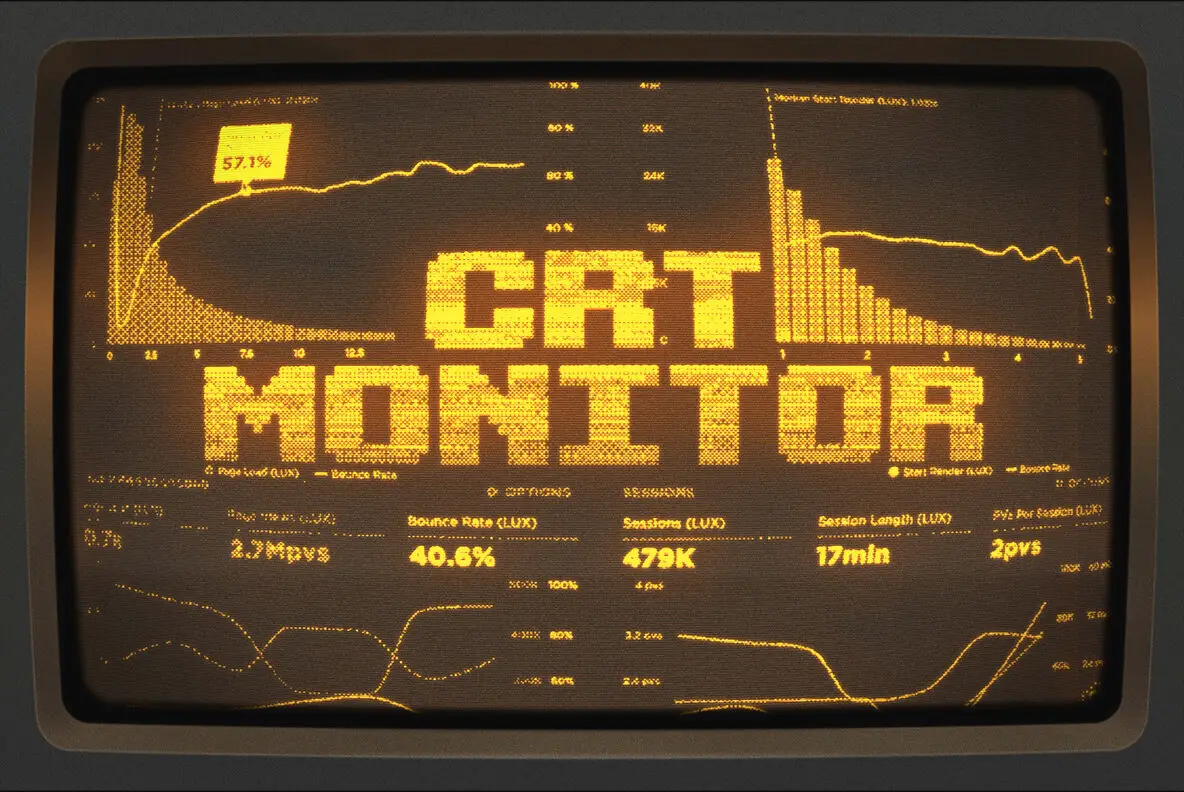
Cathode Ray Tube technology was the foundation of display technology for decades. These bulky monitors used electron beams to illuminate phosphors on the screen, creating images with deep blacks and zero input lag.
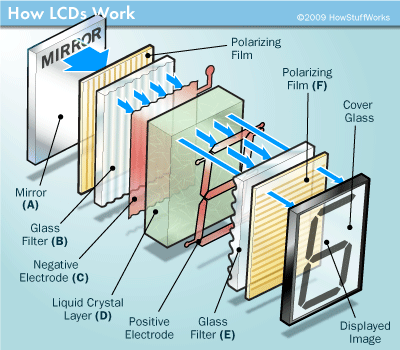
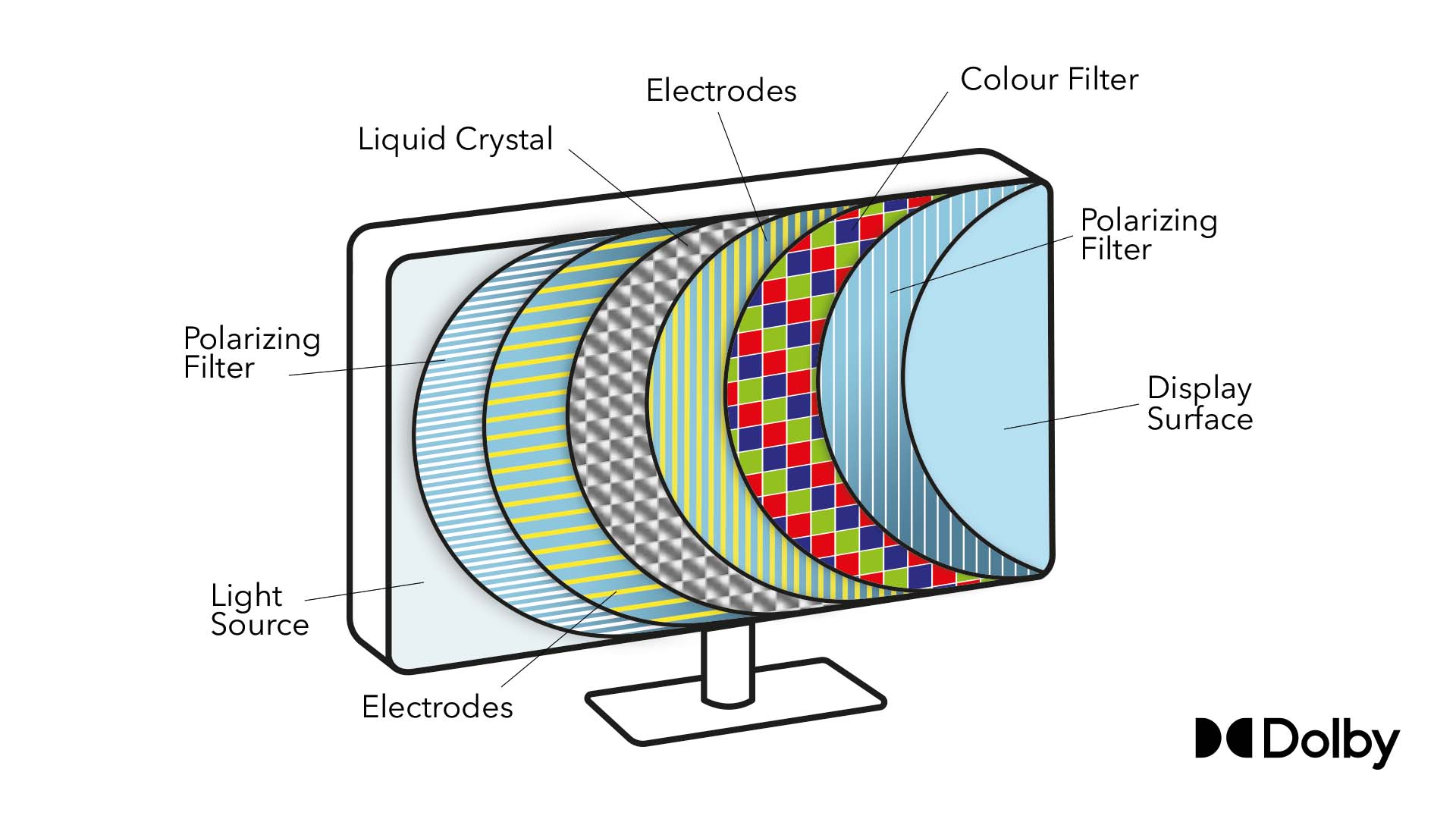
Liquid Crystal Displays revolutionized the industry with their slim profiles and energy efficiency. Using liquid crystals that twist to control light passage through polarizing filters, LCDs became the standard for modern computing.
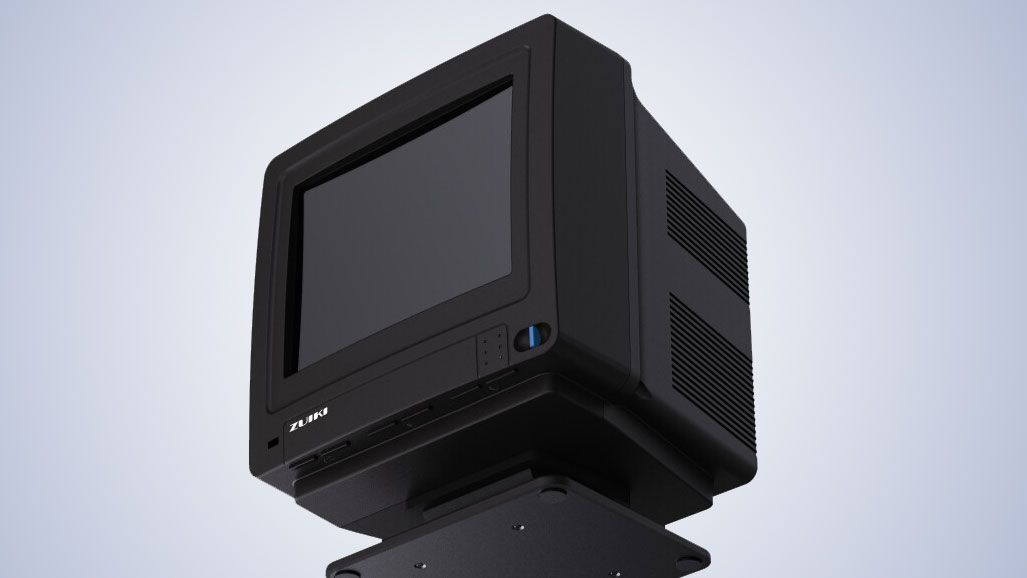
LED-backlit LCD monitors improved upon traditional CCFL backlighting by offering better brightness, contrast ratios, and thinner designs. Full-array local dimming provides superior black levels compared to edge-lit variants.
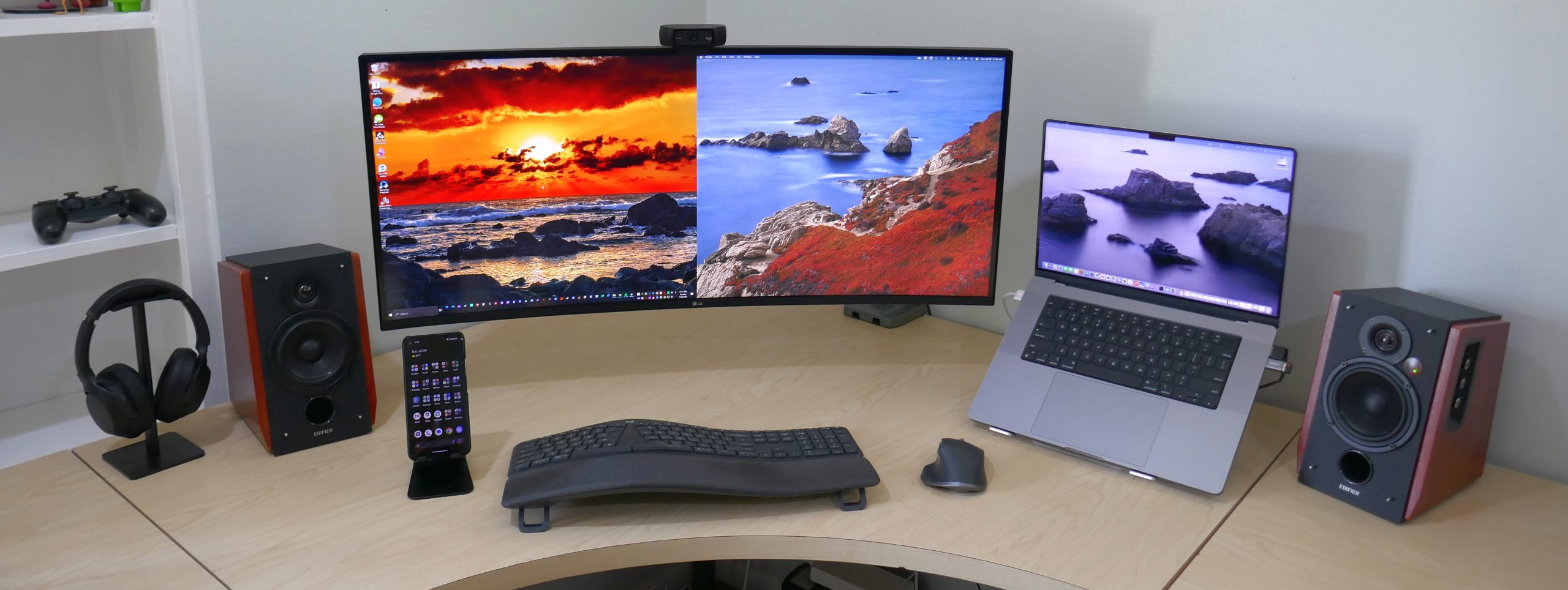
Ultrawide displays offer an immersive 21:9 or 32:9 aspect ratio, perfect for productivity and gaming. These curved panels wrap around your field of view, eliminating the need for multiple monitor setups.
Organic Light Emitting Diode displays offer perfect black levels, infinite contrast ratios, and lightning-fast response times. Each pixel emits its own light, eliminating the need for backlighting entirely.

The next generation of display technology uses thousands of tiny LEDs for precise local dimming. Mini-LED offers near-OLED contrast with higher brightness, while Micro-LED promises self-emissive pixels without burn-in.
Karl Ferdinand Braun invents the cathode ray tube, laying the foundation for electronic displays that would dominate for over a century.
George H. Heilmeier demonstrates the first working liquid crystal display at RCA Laboratories, marking the beginning of flat-panel technology.
The IBM 5151 monochrome monitor becomes the standard for personal computers, featuring a green phosphor screen with 80x25 text resolution.
CRT monitors reach their zenith with Sony Trinitron technology, offering flat-screen CRTs with exceptional color accuracy and resolution up to 2048x1536.
LCD monitors overtake CRTs in global sales, driven by falling prices, slimmer designs, and improving image quality with TN and IPS panels.
The first consumer 4K monitors (3840x2160) hit the market, offering four times the pixels of 1080p displays for unprecedented detail.
High refresh rate gaming monitors become mainstream, with 144Hz and 240Hz panels offering buttery-smooth gameplay for competitive gamers.
Quantum Dot OLED technology combines the perfect blacks of OLED with higher brightness and color volume, representing the current pinnacle of display technology.
| Specification | Entry Level | Mid Range | High End | Professional |
|---|---|---|---|---|
| Resolution | 1920 x 1080 (FHD) | 2560 x 1440 (QHD) | 3840 x 2160 (4K) | 7680 x 4320 (8K) |
| Refresh Rate | 60 Hz | 144 Hz | 240 Hz | 360 Hz+ |
| Response Time | 5 ms | 1 ms | 0.5 ms | 0.03 ms (OLED) |
| Panel Type | TN | VA / IPS | IPS / Fast IPS | OLED / Mini-LED |
| Brightness | 250 nits | 350 nits | 400 nits (HDR600) | 1000+ nits (HDR1000) |
| Color Gamut | 72% NTSC | 99% sRGB | 95% DCI-P3 | 99% Adobe RGB |
| Contrast Ratio | 1000:1 | 3000:1 (VA) | 1000000:1 (OLED) | Infinite (OLED) |
| Connectivity | HDMI 1.4, VGA | HDMI 2.0, DP 1.2 | HDMI 2.1, DP 1.4 | Thunderbolt 4, DP 2.0 |
| Price Range | $100 - $200 | $300 - $600 | $700 - $1500 | $2000+ |
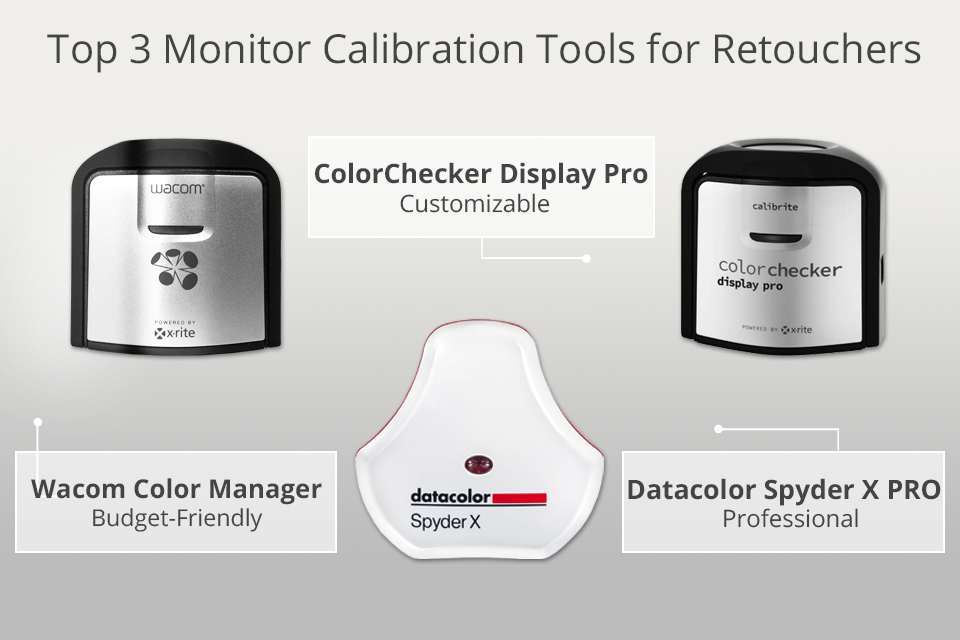
Professional calibration tools like the Datacolor Spyder and X-Rite ColorChecker ensure your monitor displays accurate colors. These devices measure your screen's output and create an ICC profile for color correction.
Uncalibrated monitors can show colors that are 20-30% off from reality. For photographers, designers, and video editors, calibration is essential to ensure what you see matches the final output on print or other devices.
TN (Twisted Nematic) panels offer the fastest response times but poor viewing angles and color reproduction. VA (Vertical Alignment) panels provide excellent contrast ratios and deep blacks but can have slower response times. IPS (In-Plane Switching) panels deliver the best color accuracy and viewing angles with moderate response times, making them ideal for professional work and general use.
While 60Hz is sufficient for casual gaming, 144Hz provides a significantly smoother experience, especially in fast-paced competitive games like CS:GO, Valorant, and Apex Legends. The higher refresh rate reduces motion blur and makes tracking moving targets easier. For single-player RPGs and strategy games, the difference is less critical but still noticeable.
HDR (High Dynamic Range) allows monitors to display a wider range of brightness levels and colors simultaneously. True HDR400 is the minimum viable standard, but HDR600 or HDR1000 provides a dramatically better experience with visible highlights and shadow detail. It's essential for HDR content consumption and gaming but less critical for office work.
Modern OLED monitors include pixel shift, pixel refresh, and logo detection technologies that significantly reduce burn-in risk. For typical mixed-use computing, burn-in is unlikely within 3-5 years. However, if you display static elements (like taskbars or HUDs) for 12+ hours daily, Mini-LED might be a safer long-term choice.
For 1080p, 24 inches is the sweet spot to maintain pixel density. For 1440p, 27 inches is ideal. For 4K, 32 inches or larger prevents UI elements from appearing too small. Ultrawide 34-inch monitors offer the screen real estate of dual 27-inch displays without bezels. Consider your desk depth—27-32 inches work best at 60-80cm viewing distance.
Curved monitors (1800R to 1000R curvature) provide a more immersive experience by matching the natural curve of the human eye. They're particularly beneficial for ultrawide displays (34"+) where the edges would otherwise appear distorted on a flat panel. For standard 16:9 monitors under 32 inches, the curve is less necessary but can still reduce eye strain during long sessions.